



MS Excel 2003: Unfreeze panes
See solution in other versions of Excel:
Question: In Microsoft Excel 2003/XP/2000/97, I have a spreadsheet that has frozen panes. How do I unfreeze the panes?
Answer: Freezing panes could hide rows or columns, or cause the column headings to always be visible even after scrolling.
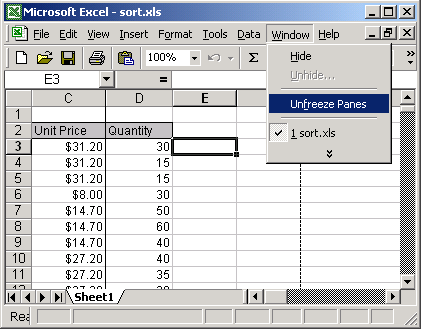
To unfreeze panes, open your Excel spreadsheet. Under the Windows menu, select Unfreeze Panes.
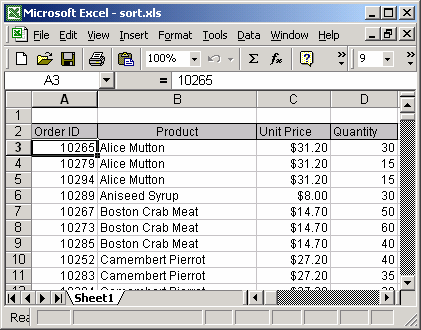
Now when you move around in your spreadsheet, columns and rows should display as normal.
Advertisements